On this page
From a registered point cloud to a full set of plans, sections and elevations, a good as-built workflow has five clear stages.
1. Check the scan
Confirm registration, coverage and units, and note any areas that were not captured.
2. Agree the scope
List the sheets, the level of detail, the tolerance and the client’s CAD standards before drawing starts.
3. Slice and draw
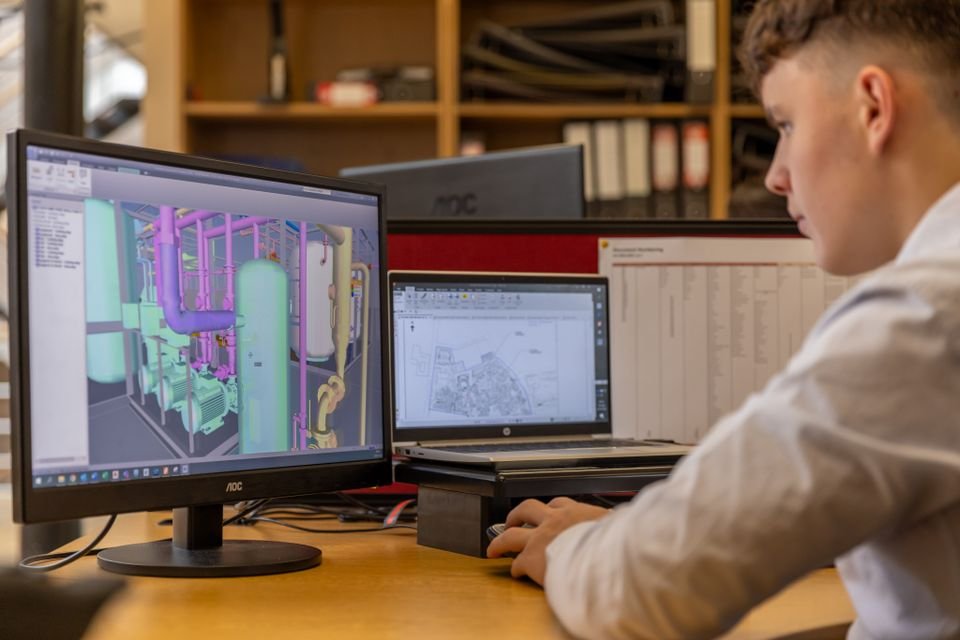
Plans are drawn from horizontal slices at a set height above each floor, sections and elevations from vertical slices, all on the client’s layers.
4. Check against the cloud
An independent reviewer overlays the drawings on the point cloud and checks key dimensions before issue.
5. Issue and hand over
Sheets go out on the client’s title block, editable and print-ready, with a short note listing any assumptions or hidden areas.