
3D CAD models that show the design clearly
Accurate 3D models of buildings, components and assemblies, built from your drawings or sketches and set up for whatever comes next: a design review, a render, a fabrication file or a coordination check.
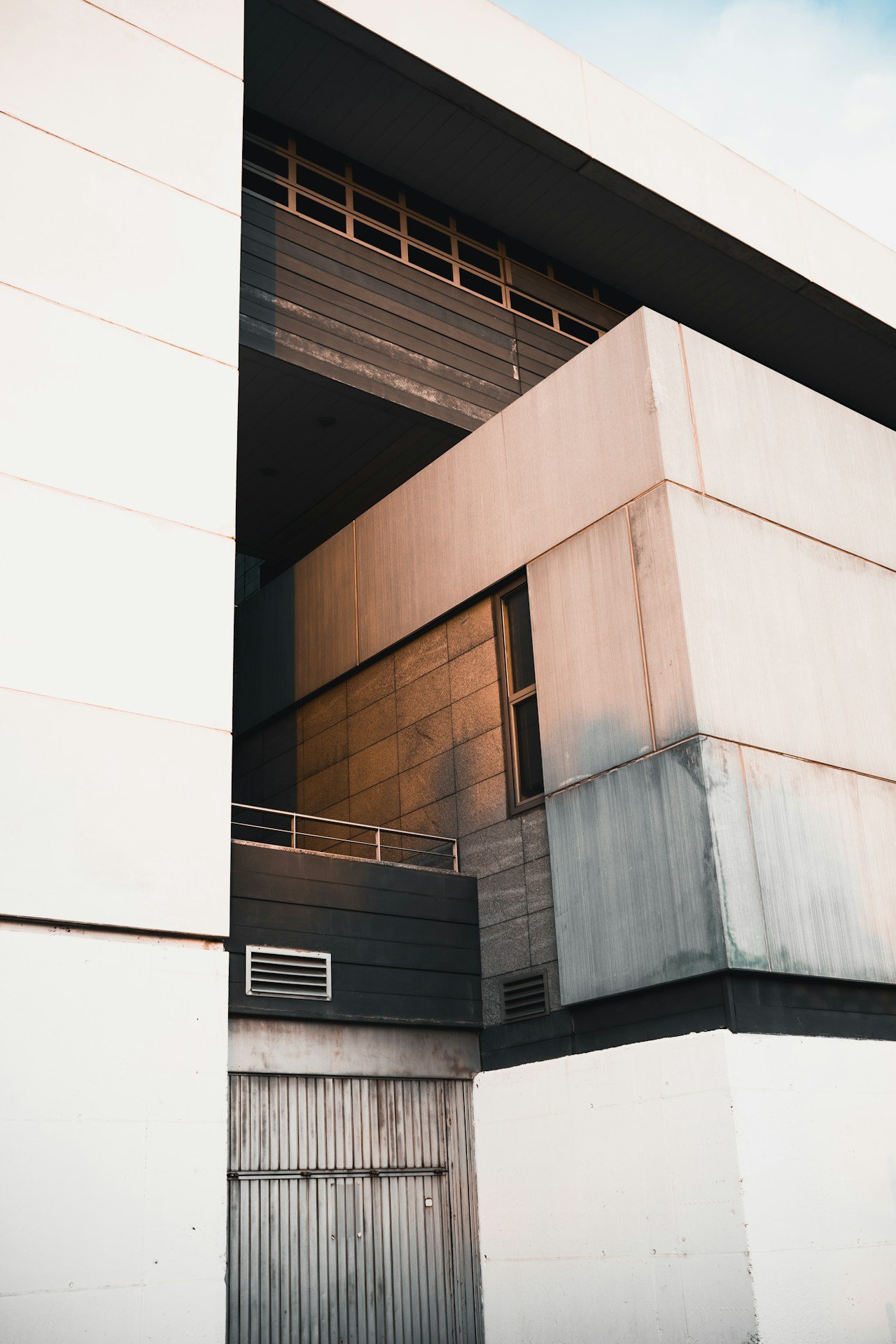
See the design before it is built
Some questions are hard to answer from drawings. How does the corner junction really look? Will the canopy read from the street? Does this panel fit through the door? A 3D model answers them quickly.
We ask how the model will be used before we start, because that decides how it's built. A massing model for planning needs speed. A component for fabrication needs exact dimensions and clean solids. A render model needs good materials and tidy geometry.
We pick the right 3D modeling platform for the job, keep everything organised with sensible naming, and export in whatever your team or suppliers need.
- Native model
- Open BIM
- Exchange model
Building massing
Quick massing models for early design studies and planning.Detailed building models
Facades, roofs and interiors modeled to the design.Complex geometry
Curved, faceted and parametric forms modeled accurately.Component models
Joinery, panels and fixtures ready for fabrication.Drawings from 3D
Plans, sections and elevations extracted from the model.Organised layers
Clean naming and grouping your team can work with.Render-ready
Models prepared with materials for visualization.Exchange formats
Every export checked before issue.
Models matched to their use
The level of detail each model is built to depends on what it needs to do next.
| Model | Typical use | Delivered as |
|---|---|---|
| Massing model | Early design studies and planning | Native model · CAD |
| Detailed building model | Design reviews and presentations | Native model · exchange |
| Component model | Joinery, panels and fabrication | Exchange model · CAD |
| Render-ready model | Visualization and marketing | Exchange model |
| Coordination model | Checks with other disciplines | Open BIM · CAD |
From drawings to model in six steps
A clear process from inputs to a clean, usable 3D model.
- 01
Share your inputs
Drawings, sketches and references.
- 02
Scope & quote
Platform, detail and outputs agreed.
- 03
Base set-up
Units, origin and layers prepared.
- 04
Modeling
Geometry built from massing to detail.
- 05
QA review
Dimensions and geometry checked.
- 06
Delivery
Native files and exports issued.
We build models with the next person in mind, whether that's a render artist, a fabricator or your own designer opening the file six months from now.
Every sheet is checked twice
Four checks every drawing passes before it is issued to you.
Scale and dimensions
Checked against the brief, markups and written figures.
Layers and standards
Layers, text, dimensions and blocks match your CAD standards.
Sheet set
Title blocks, numbering, revisions and references all consistent.
Second check
A separate reviewer signs off every sheet before issue.
Work with us your way
Three simple ways to engage, each with a written quotation before any work begins.
-
Dedicated team
Full-time modelers who work only on your projects.
Best for Steady, ongoing pipelines
- Named team lead and modelers
- Works in your tools and templates
- Scale the team up or down monthly
-
Most flexible
Hourly
Pay only for the hours your project needs, from US$18 per hour.
Best for Changing or open-ended scope
- No minimum commitment
- Hours reported transparently
- Start with a small trial task
-
Fixed price
An agreed scope, fixed price and delivery date before work begins.
Best for Well-defined deliverables
- Clear scope and milestones
- Price agreed upfront
- Ideal for one-off models
Have drawings to model? Send them with a note on how the model will be used. You'll have a quote within one working day.
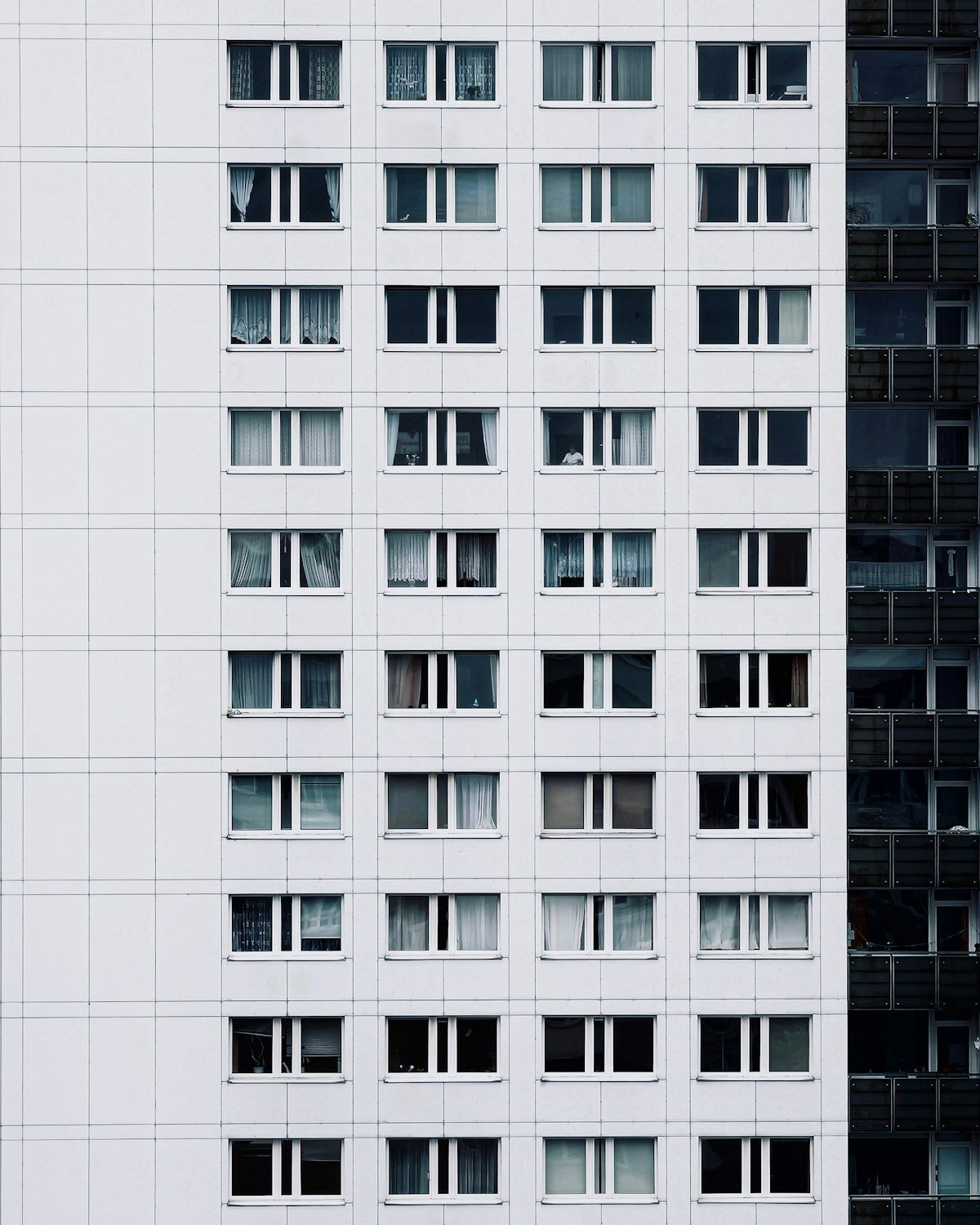
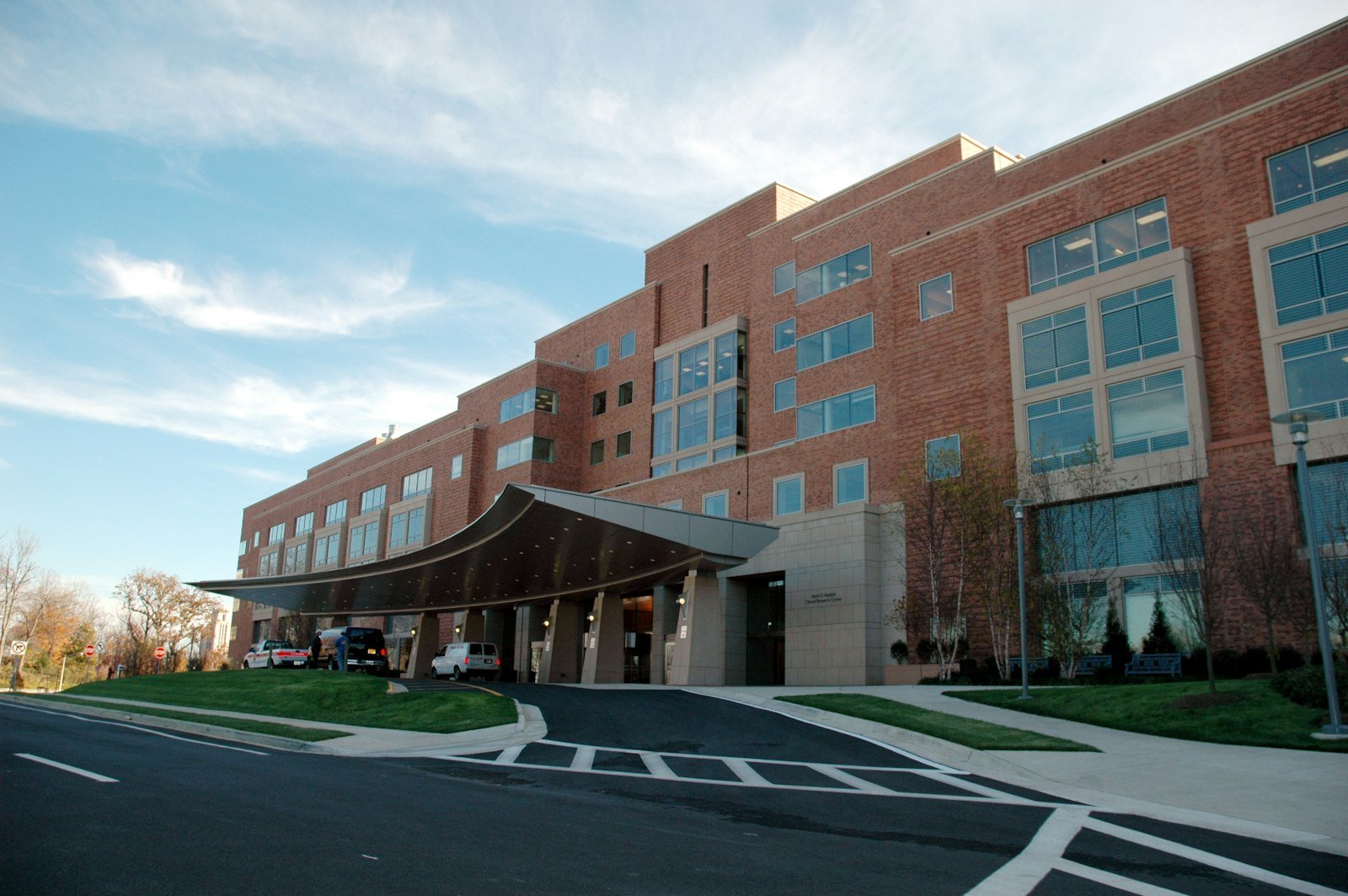
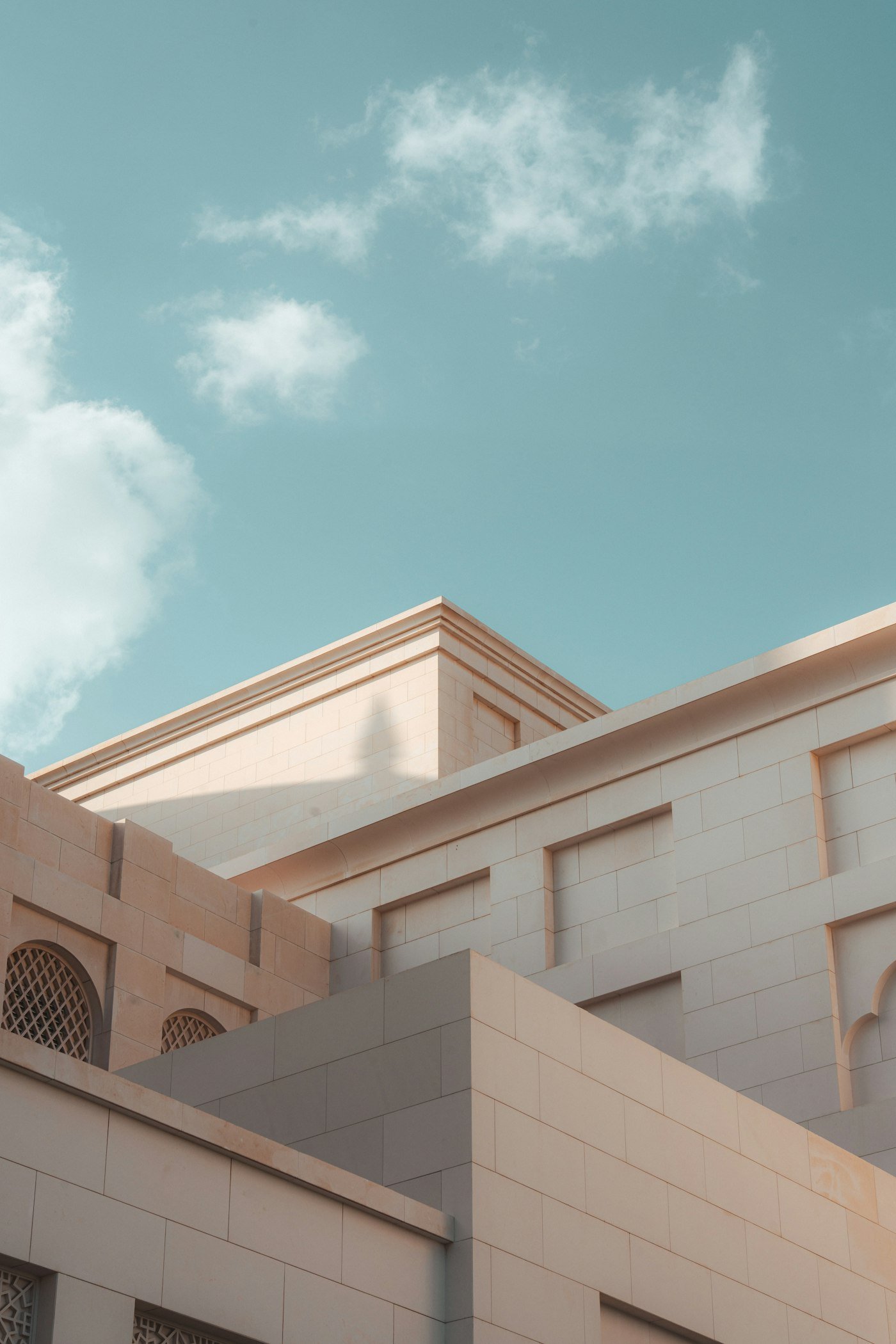
Models for every building type
3D CAD models for commercial, residential, healthcare, education, hospitality and heritage projects.



3D CAD modeling questions
Quick answers about software, detail, formats and use cases for 3D CAD modeling.
3D CAD models describe geometry. BIM models add building information such as types, materials and schedules. If drawings and data must come from the model, BIM is the better choice.
Industry-standard 3D modeling platforms, chosen to match the purpose of the model and what your team already uses.
Yes. Sketches with key dimensions are enough to start, and we confirm any assumptions with you as we go.
Yes. We can prepare a render-ready model with materials, or produce the renders ourselves.
Yes. Plans, sections and elevations can be extracted and finished on your title block.
Native model files plus the exchange exports you need, each checked to make sure it opens cleanly.
A massing model can take a day or two. Detailed building or component models are scheduled in the quotation.
Files are shared only with the people working on your project, through secure transfer or your own platform. We sign NDAs on request and never reuse your drawings, models or data on other work.
Use whatever suits you: email, a file-sharing link or your own common data environment. Within a working day of receiving the package, we send a short list of questions so nothing is left to guesswork.